Beeplane use cases
Real workflows.
Local agents, mobile check-ins.
Choose a setup or work pattern to see how Beeplane fits. Each guide explains the host, phone connection, and the limits to plan around.
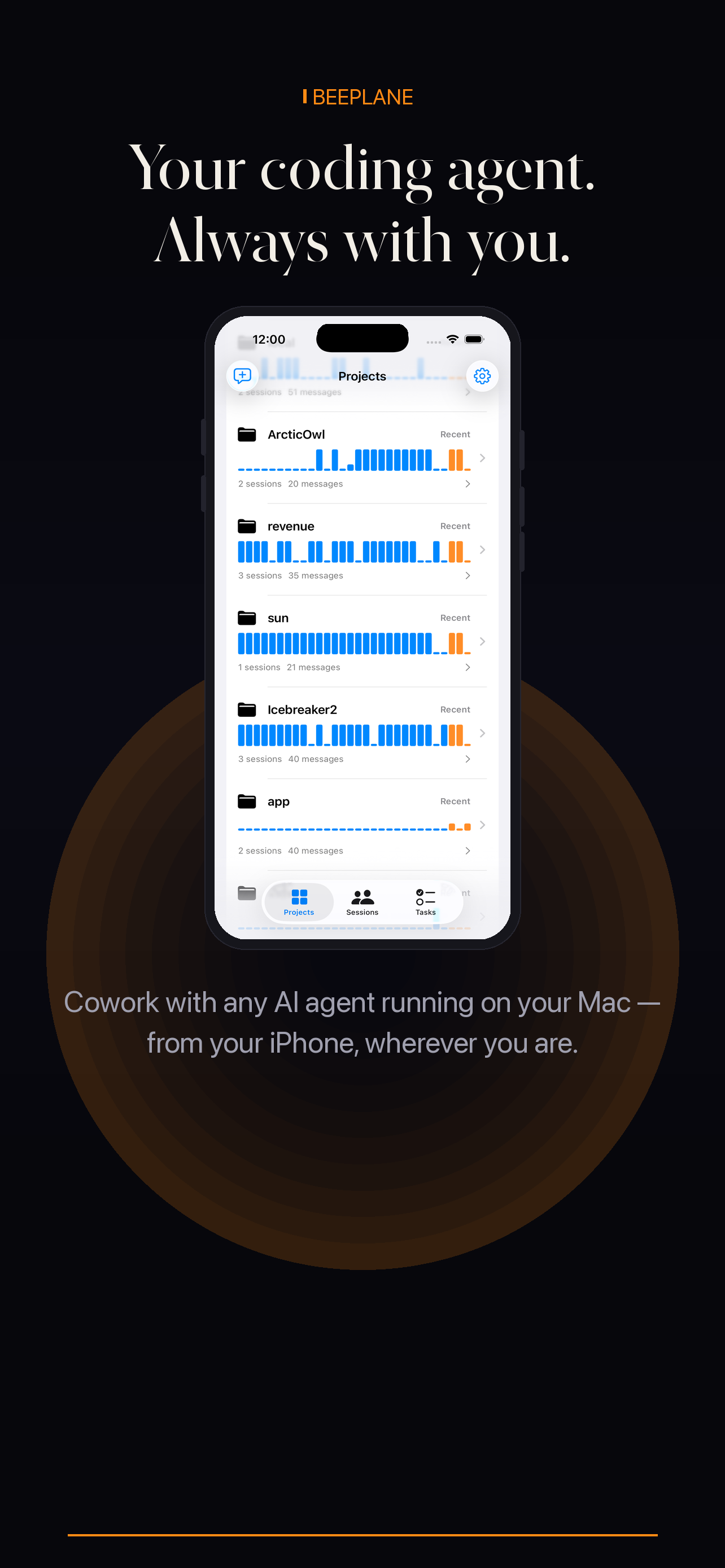
Beeplane use cases
Choose a setup or work pattern to see how Beeplane fits. Each guide explains the host, phone connection, and the limits to plan around.
Find guides for Mac mini, Linux workstations, and home lab machines.
Explore review, build, maintenance, long-running, and parallel-session workflows.
Each guide distinguishes same-network pairing from remote relay access.
These pages are workflow guides, not feature-name variations. Start with your host environment or choose the moment you need to check in.
Mac mini, Linux dev box, home lab, and machine-specific agent setups.
Overnight tasks, build and test work, parallel feature sprints, client projects, and open-source maintenance.
Travel, commute, quick question handling, transcript review, and access from another room.
Token context, long refactors, code review, and decisions about whether to continue a run.
Keep Claude Code, Codex, or OpenCode on a Mac mini and check its sessions from your phone over Wi-Fi or an encrypted relay.
Run supported coding agents on your Linux workstation and check sessions from iPhone or Android over local Wi-Fi or Beeplane Relay.
A travel workflow for checking coding-agent sessions on your own computer from a phone, using Beeplane Relay while the host stays online.
Leave a supported coding-agent task running on your computer, then review its session, transcript, and usage from your phone the next morning.
Keep track of the coding-agent conversation while it works through a build or test task, then review the transcript from your phone.
A practical way to track parallel AI coding-agent sessions by project and task while a feature sprint is moving across several workstreams.
Keep AI coding-agent sessions for separate client repositories easy to identify, review, and continue from your phone.
Follow local agent sessions for dependency reviews, bug fixes, and documentation work in open source repositories from your phone.
Use a paired phone to review local agent session activity during a commute, then continue detailed code review at your workstation.
Use an agent transcript to understand a coding task, then inspect the repository diff and tests before merging changes.
Use session token counts and transcript context to understand long refactor runs before deciding whether to continue or narrow the task.
A short workflow for checking a coding agent between meetings: confirm project context, read recent activity, and send a concise follow-up.
A reviewable workflow for asking a coding agent to update dependencies, inspect lockfile changes, and run project checks.
Keep an API migration scoped and reviewable while using Beeplane to check the local coding-agent session from your phone.
Follow a coding-agent session that reproduces a bug, adds a regression test, and verifies the fix in your local project.
Keep a bug investigation in one agent session, check its findings from your phone, and verify the reproduction and fix on your machine.
Follow local agent sessions for release notes, test fixes, and documentation while keeping final release approval with your team.
Follow a documentation task in a local agent session and review links, examples, and rendered output before publishing.
Keep accessibility work focused: document the issue, ask an agent for a scoped fix, and verify keyboard and screen-reader behavior yourself.
Break technical debt into reviewable changes, follow each local agent session, and verify behavior before combining the work.
No. Beeplane connects a phone to supported coding-agent sessions on your own Mac or Linux host.
The guides focus on Claude Code, Codex CLI, and OpenCode where the workflow supports them.
No. Remote check-ins require the host and Beeplane to be running and reachable.
Free to download. Works with Claude Code, Codex, OpenCode, and other agents on macOS or Linux.