Use case · Linux dev box
Your Linux dev box.
In your pocket.
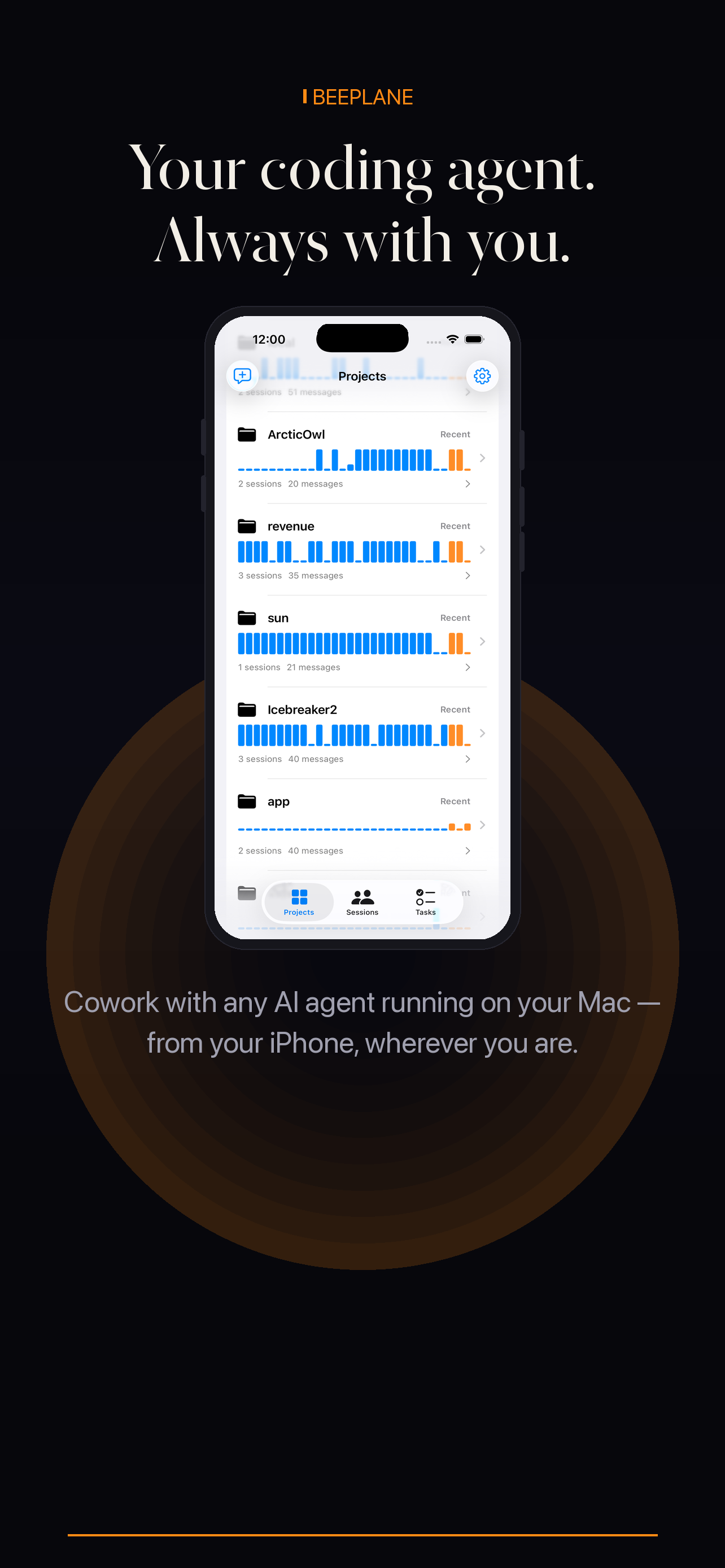
Keep repositories and CLI agents on the Linux machine you already use. Beeplane pairs that host with a phone for session status, transcripts, and replies.
Use case · Linux dev box
Keep repositories and CLI agents on the Linux machine you already use. Beeplane pairs that host with a phone for session status, transcripts, and replies.
This setup is for a Linux workstation or dev box that remains online while you step away. Beeplane provides a phone companion for supported local agent sessions; it is not a browser shell or a way to power on an offline host.
Set up Beeplane on the Linux machine that contains your repositories and agent session records. Start the daemon under the user account that runs the agents.
Run Claude Code, Codex CLI, or OpenCode in the project directory. Beeplane discovers their supported local session data on the host.
Open Beeplane on your phone and scan the pairing QR code or enter the token shown by the desktop side. Confirm you can see the dev box sessions locally.
Use Beeplane Relay for a phone on another network. Keep the Linux host awake and connected; review session activity and send a contextual reply from the app.
A Linux dev box with the daemon running under the account that owns the local agent sessions.
A locked-down or isolated network that blocks phone-to-host connectivity; test local pairing and relay access first.
The Beeplane daemon runs on Linux; the phone app is the mobile interface. Follow the Linux setup guide for supported installation requirements.
Yes, after enabling Beeplane Relay on the host and pairing the phone. The Linux machine still needs to be online.
No. Beeplane is for supported coding-agent sessions, transcripts, and messages, not a general-purpose SSH client.
Free to download. Works with Claude Code, Codex, OpenCode, and other agents on macOS or Linux.