Live dashboard
Mission control
for your agents.
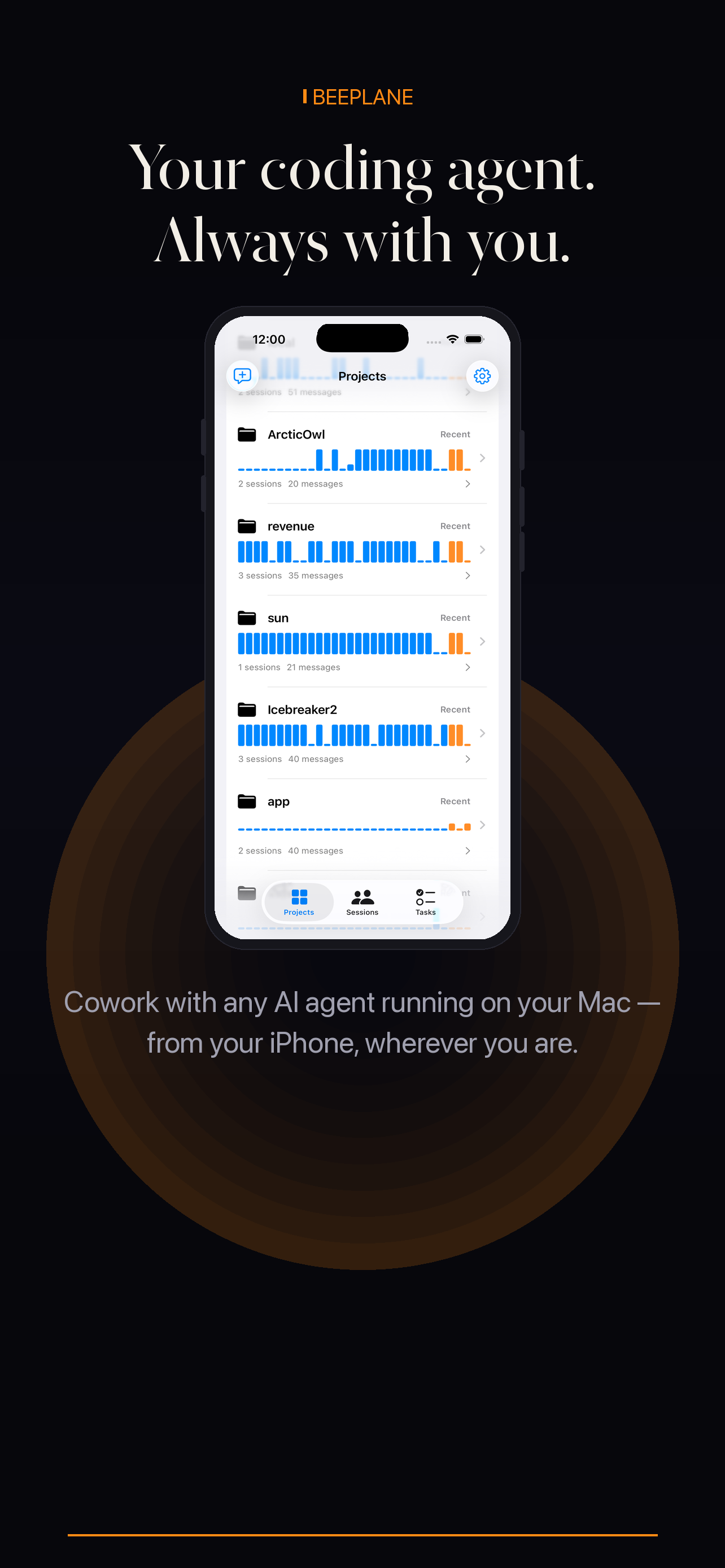
One dashboard for every session on your machine: what each agent is doing, what it said last, what it costs, and a reply box when it needs you.
Live dashboard
One dashboard for every session on your machine: what each agent is doing, what it said last, what it costs, and a reply box when it needs you.
Sessions live across terminal windows, IDEs, and tmux panes. The dashboard gathers them into one calm list.
Full session history rendered for reading — every message, tool use, and response.
The dashboard you see on desktop is the dashboard you get on mobile. Nothing lost in translation.
Beeplane gathers sessions from coding agents running on your own Mac or Linux machine. Use the phone app to see which runs are active, open a session, and decide where your attention is needed.
Run Beeplane on the machine where your agent sessions live. It reads local session records so the mobile app can show projects and recent activity.
Compare active sessions by project and state. This is useful when several terminals or repositories are running work at once.
Read its recent transcript and, when available, inspect token usage before deciding whether to reply or return to the desktop.
Pair over the same Wi-Fi at home or enable Beeplane’s encrypted relay for access from another network.
Yes — enable the encrypted relay and the same dashboard reaches you on any network.
No. Your machine stays the source of truth. The relay passes encrypted payloads without storing them.
Any agent session on your Mac or Linux machine, including Claude Code, Codex CLI, and OpenCode.
Free to download. Works with Claude Code, Codex, OpenCode, and other agents on macOS or Linux.