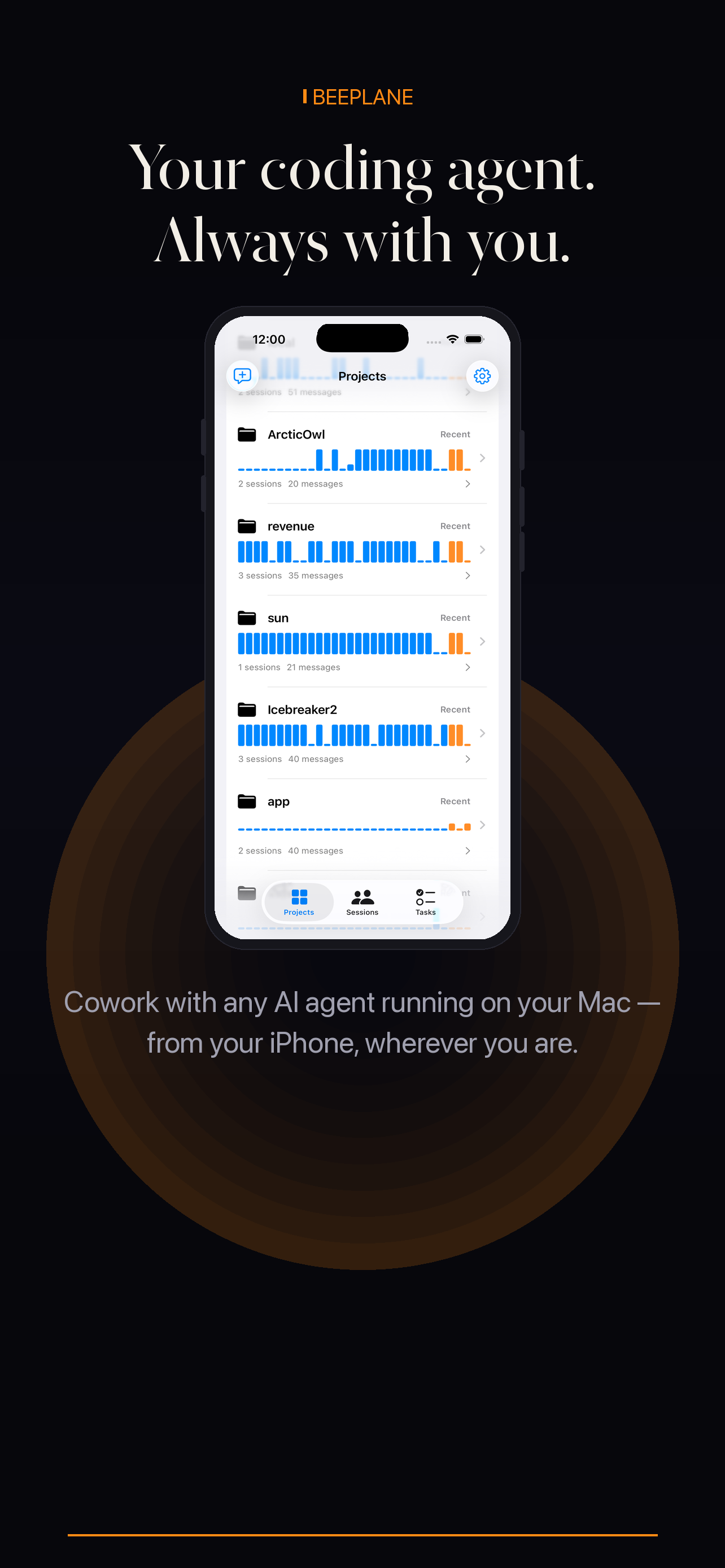
A Mac mini can serve as a dedicated development host for local coding agents. Beeplane helps you check session activity from another room or network; it does not wake a sleeping Mac or move your code into a cloud workspace.
01
Prepare the host
Install Beeplane for Mac on the mini and sign in to your local macOS account. Keep the mini powered, awake, and online whenever you expect to reach its agent sessions.
02
Run the agent where the repository lives
Start Claude Code, Codex CLI, or OpenCode in the project on the mini. Beeplane reads supported local session records from that same machine.
03
Pair from your phone at home
Install Beeplane on iPhone or Android and pair using the QR code or token while both devices are on the same Wi-Fi network.
04
Use the relay when you leave
Enable the encrypted relay on the host before switching networks. Open the session list on your phone to review activity and continue the conversation.