Use case · travel
Step away from home.
Keep the session in view.
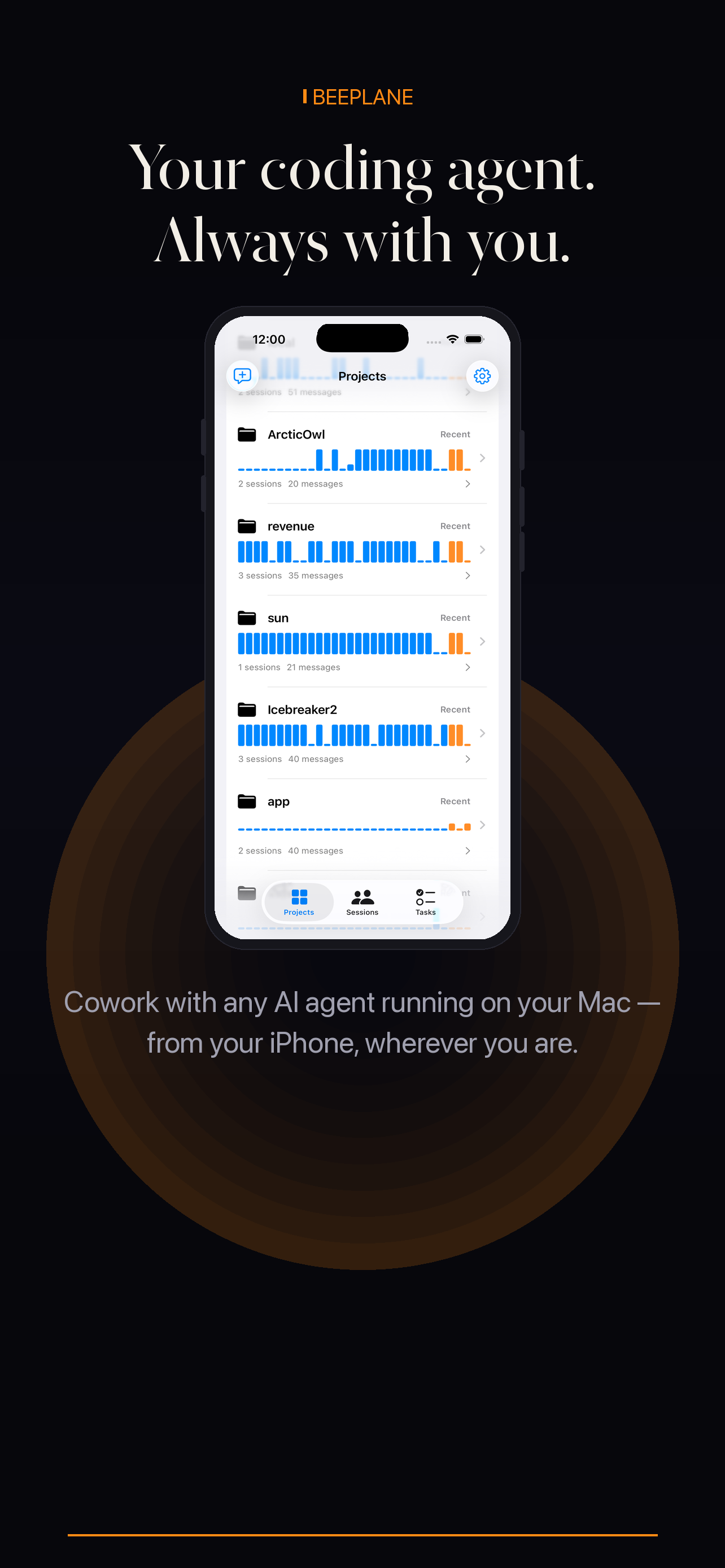
Travel does not have to mean losing track of work running on your own machine. Pair Beeplane before leaving, then check agent activity from your phone.
Use case · travel
Travel does not have to mean losing track of work running on your own machine. Pair Beeplane before leaving, then check agent activity from your phone.
Remote check-ins depend on the host computer remaining awake, online, and paired. Set up and test the relay at home before you leave; Beeplane is not a hosted runner and cannot recover work from a powered-off computer.
Launch your supported coding agent in the project and confirm the session appears in Beeplane while you are still on the local network.
Enable Beeplane Relay on the host and connect your phone through it. Test opening a transcript and sending a low-risk message before you travel.
Review the project and latest activity so you know which run you are opening. Read the surrounding transcript before sending a follow-up.
Keep the computer powered, awake, and connected to the internet. If the host sleeps or loses connectivity, remote access will stop until it is reachable again.
A host you can leave powered, connected, and paired before the trip.
Intermittent host connectivity. A relay cannot make an offline computer reachable.
No. The agent and Beeplane host must be running and reachable for a remote check-in.
Use Beeplane Relay for remote access. Do not expose the development machine by opening arbitrary public ports.
Beeplane can create supported agent conversations and send messages to sessions; the actual work runs on the paired host.
Free to download. Works with Claude Code, Codex, OpenCode, and other agents on macOS or Linux.