For Codex users
Codex,
on your iPhone.
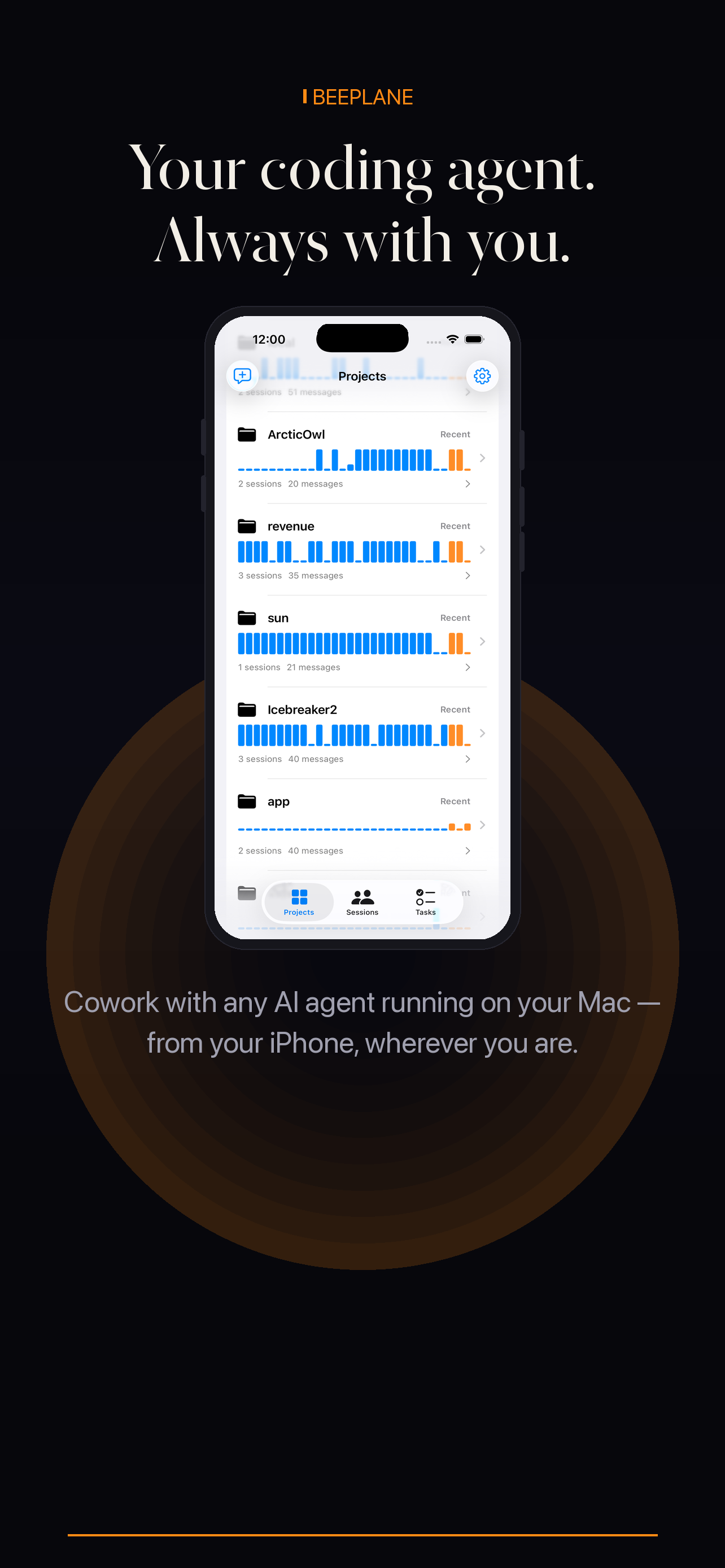
Start a Codex run, walk away, and supervise it from your iPhone — progress, questions, approvals, and costs, all live.
For Codex users
Start a Codex run, walk away, and supervise it from your iPhone — progress, questions, approvals, and costs, all live.
Sessions across projects with live state — running, waiting, or done.
Clarifications and approvals go straight into the right session.
Token usage per session so long runs stay accountable.
Codex CLI runs on your Mac, where your repository and terminal session remain. Beeplane pairs that machine with an iPhone so you can check the run and return to its conversation without moving the work to the phone.
Run Codex CLI in the repository as you normally would. Keep Beeplane’s desktop app or daemon running on that same machine.
Install the Beeplane iPhone app and connect to the Mac over the same Wi-Fi network with the displayed QR code or pairing token.
Use the session list to identify the project and open its recent activity before responding, especially when multiple runs are active.
For access away from the local network, enable Beeplane’s encrypted relay on the host. The session and repository remain on your Mac.
The Beeplane daemon on your Mac watches Codex CLI sessions and exposes them to your paired phone.
Yes — the encrypted relay carries you anywhere without a VPN.
No. Beeplane is an independent companion app and is not affiliated with or endorsed by OpenAI.
Beeplane is an independent app and is not affiliated with or endorsed by OpenAI.
Free to download. Works with Claude Code, Codex, OpenCode, and other agents on macOS or Linux.