Use case · accessibility

Fix the issue.
Verify with real users in mind.

A coding agent can help address a specific accessibility finding. Beeplane lets you follow the implementation session; manual checks and assistive technology remain essential.

Explore the iPhone app → See how it works →
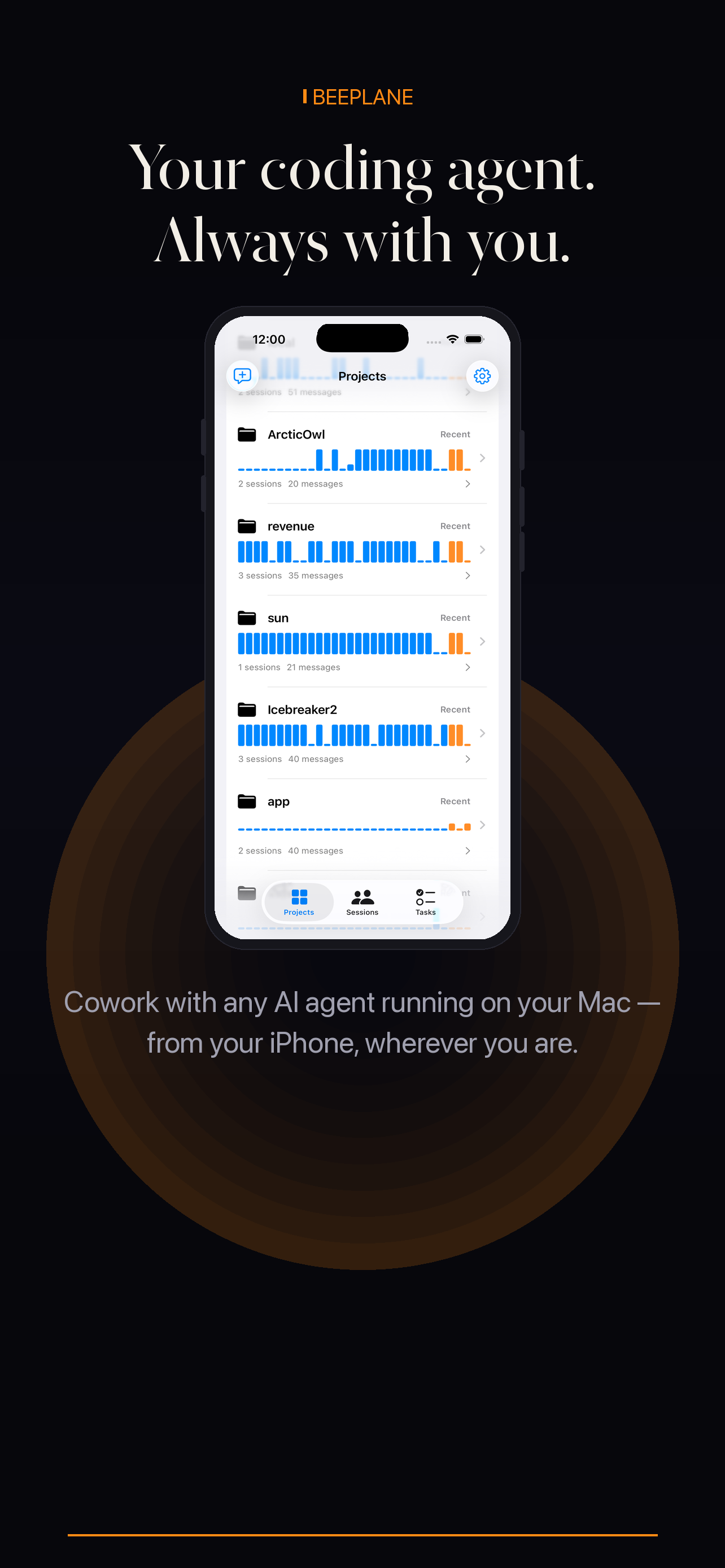
Beeplane mobile app showing project activity

A careful accessibility-fix workflow

Treat automated findings as evidence to investigate, not a complete accessibility audit. Have the agent explain the change and test relevant interaction states with the tools and assistive technologies your project supports.

01

Record the exact finding

Include the affected component, expected behavior, and a reproducible path. Note whether the issue came from keyboard use, a screen reader, or an automated checker.

02

Ask for the smallest scoped change

Request a fix that follows the project’s component and semantic patterns. Avoid replacing a symptom with a new interaction that has not been evaluated.

03

Review the agent’s reasoning

Use Beeplane to check the session and clarify which states or controls the change covers. Inspect the source and tests on the host.

04

Verify manually and automatically

Run relevant accessibility checks, then test keyboard navigation, focus behavior, and screen-reader output. Review at the actual viewport and interaction states users encounter.
When this workflow fits

Best fit

A specific reproducible finding that can be checked with keyboard, assistive technology, and tests.

Plan around

Claiming conformance based only on automated scans or agent-generated code.

Questions, answered.

Q1

Can an agent certify a page as accessible?

No. Automated tools and agent suggestions do not replace testing with assistive technologies or user research.

Q2

Does Beeplane run accessibility scans?

No. Beeplane displays coding-agent sessions; use your project’s accessibility tools for scans.

Q3

Can I review a fix from my phone?

You can follow the conversation, but perform interaction and assistive-technology checks in the relevant environment.

Encrypted relay
Local-first
No account required
Open relay source

Your agents are already working.
Now you can be anywhere.

Free to download. Works with Claude Code, Codex, OpenCode, and other agents on macOS or Linux.

iPhone app details Get it on Google Play Download for Mac
Share on X → Copy link