Use case · client projects

More than one client.
Keep work in context.

Freelancers often move between repositories and deadlines. Beeplane helps you find which local agent session belongs to each project before you review or reply.

Explore the iPhone app → See how it works →
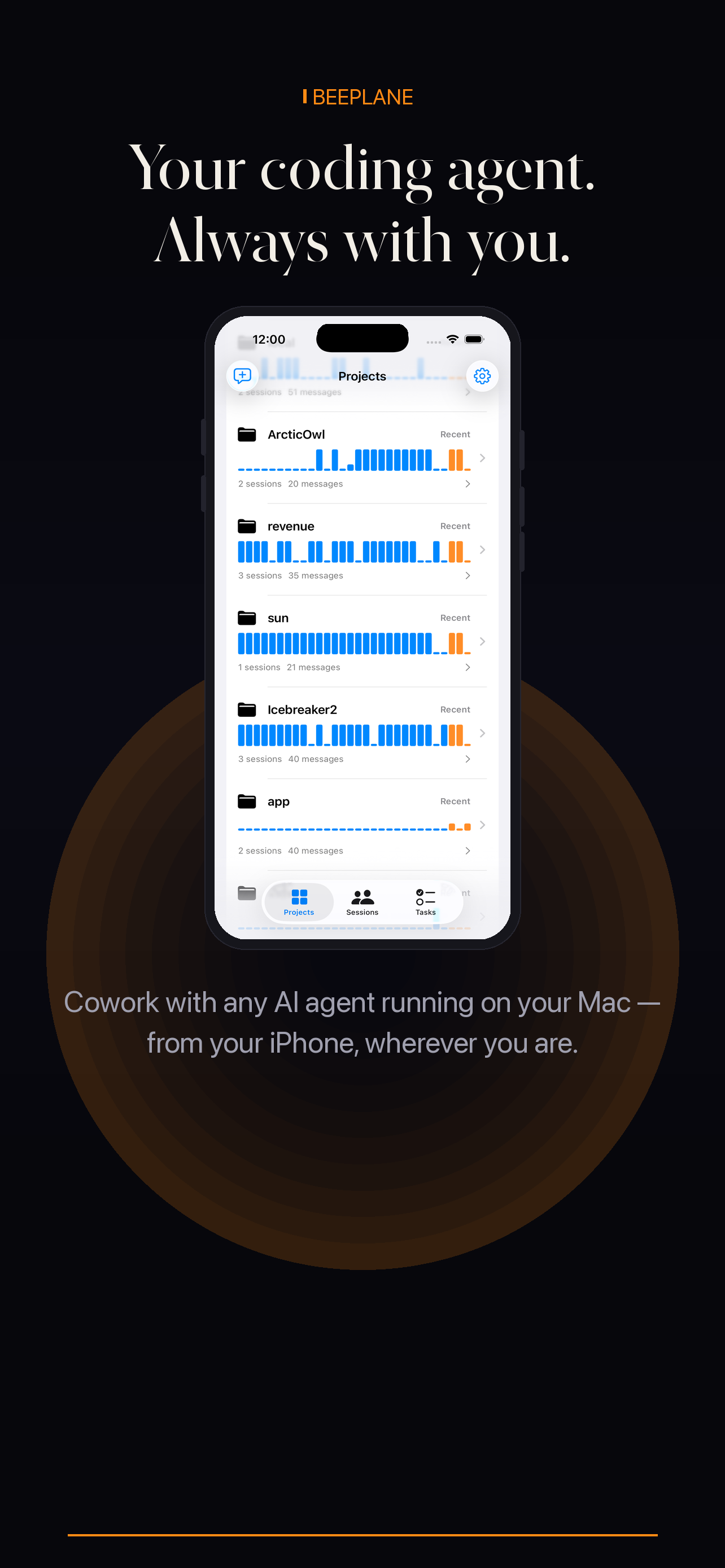
Beeplane mobile app showing project activity

A context-first workflow for client work

This workflow assumes each client project is already available on your paired machine. Beeplane does not host client repositories; keep access controls and client data policies in your existing development environment.

01

Keep repositories and credentials separated

Use your normal per-project directories and credentials. Do not paste client secrets into messages or share pairing access beyond your own trusted devices.

02

Start the agent in the right repository

Before launching Claude Code, Codex CLI, or OpenCode, confirm the working directory and task scope for that client.

03

Identify the project before replying

In Beeplane, use the project and session context to open the correct conversation. Read recent messages to avoid sending one client’s instructions into another task.

04

Review changes inside the client repo

Inspect the diff and run that project’s checks on the host. Keep your normal client review and approval process before delivering work.
When this workflow fits

Best fit

Repositories and credentials already separated on your own development machine.

Plan around

Client data policies that prohibit using an AI agent or sharing project context with it.

Questions, answered.

Q1

Does Beeplane store client code?

Beeplane is designed around local session data; the relay passes encrypted requests and does not store transcripts. Keep your own machine and repository protections in place.

Q2

Can I filter sessions by project?

The session list includes project context to help identify work. Use the app’s current project/session controls for the available filtering behavior.

Q3

Does this replace client access controls?

No. Repository permissions, secrets, and client data handling remain your responsibility on the host.

Encrypted relay
Local-first
No account required
Open relay source

Your agents are already working.
Now you can be anywhere.

Free to download. Works with Claude Code, Codex, OpenCode, and other agents on macOS or Linux.

iPhone app details Get it on Google Play Download for Mac
Share on X → Copy link