Use case · commute

Use the commute to check in.
Review code at your desk.

A phone is useful for understanding whether a local agent needs direction. Save code review, terminal output, and merge decisions for a safe, focused workstation session.

Explore the iPhone app → See how it works →
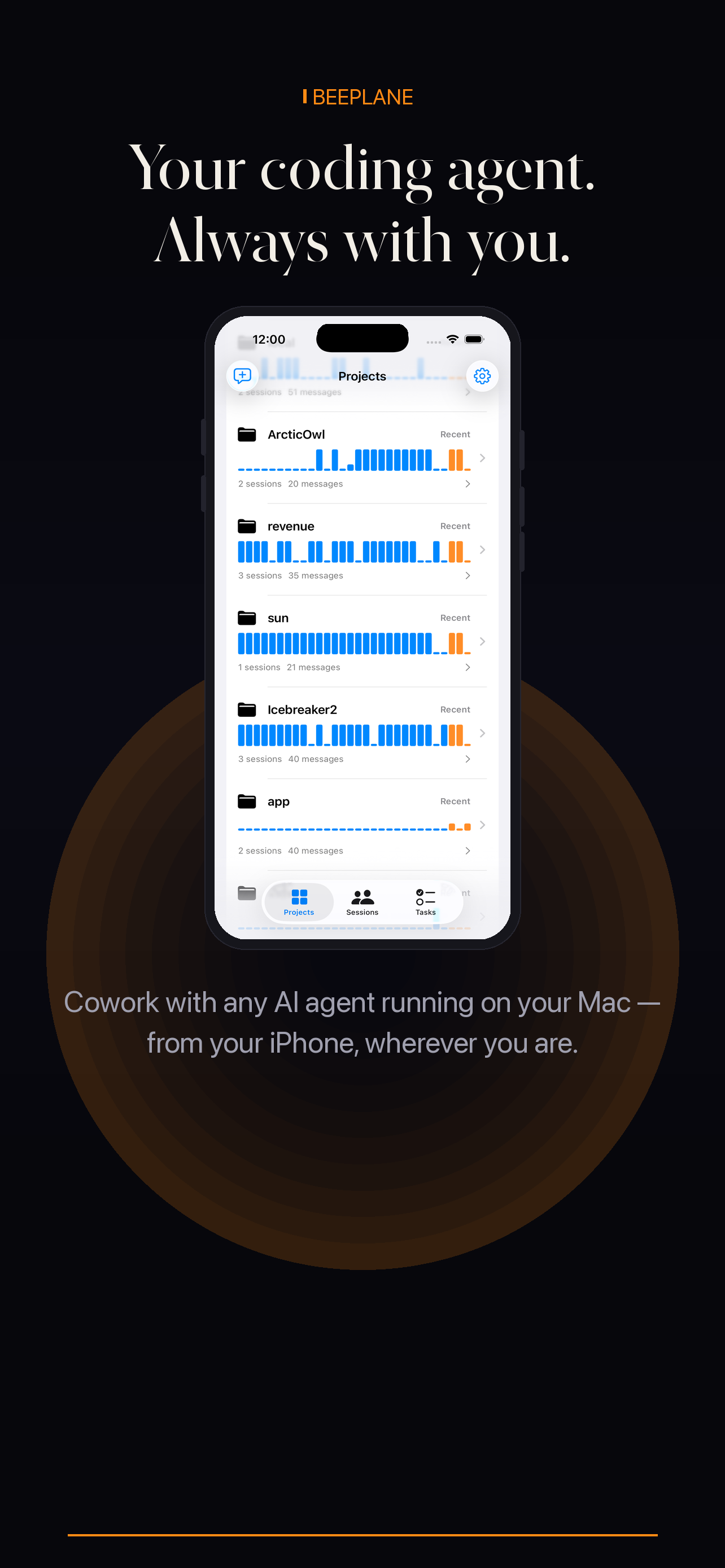
Beeplane mobile app showing project activity

Separate a quick check-in from code review

Beeplane can surface session context while your host is online. Avoid sending sensitive instructions on a shared screen or making code approval decisions while distracted.

01

Prepare access before leaving

Pair the phone and configure the relay on a trusted network. Confirm the host will stay awake and connected.

02

Read the session summary and context

Open the right project and read recent transcript messages. Determine whether the agent is progressing, blocked, or waiting for clarification.

03

Send only a clear, low-risk follow-up

If the next step is unambiguous, send a short message. Defer destructive actions and sensitive approvals until you can review carefully.

04

Do the detailed review at your workstation

Inspect the full diff and run project checks when you arrive. The phone check-in is for orientation, not final validation.
When this workflow fits

Best fit

A quick orientation check and a low-risk clarification from a paired phone.

Plan around

Detailed code approval while distracted, in transit, or unable to review the diff.

Questions, answered.

Q1

Does Beeplane send a guaranteed commute alert?

No notification guarantee is implied here. Open Beeplane to check the latest activity available from the host.

Q2

Can I use it if the host is offline?

No. Remote check-ins require an online, reachable host.

Q3

Can I merge code from the phone?

This page describes session check-ins. Review and merge code with your normal repository tools.

Encrypted relay
Local-first
No account required
Open relay source

Your agents are already working.
Now you can be anywhere.

Free to download. Works with Claude Code, Codex, OpenCode, and other agents on macOS or Linux.

iPhone app details Get it on Google Play Download for Mac
Share on X → Copy link